Reclaim
your Email
Featured as a privacy-first email solution in:





Reclaim
your Email


Reclaim
your Privacy
Reclaim
your Privacy
The providers of free email know too much about you. Keep your information away from self-serving companies who use your data.
We have your back with a privacy-first email service and features that keep you in control. Get:

Masked Email with 1Password

Additional email addresses

Image loading privacy
Reclaim
your Time
Reclaim
your Time
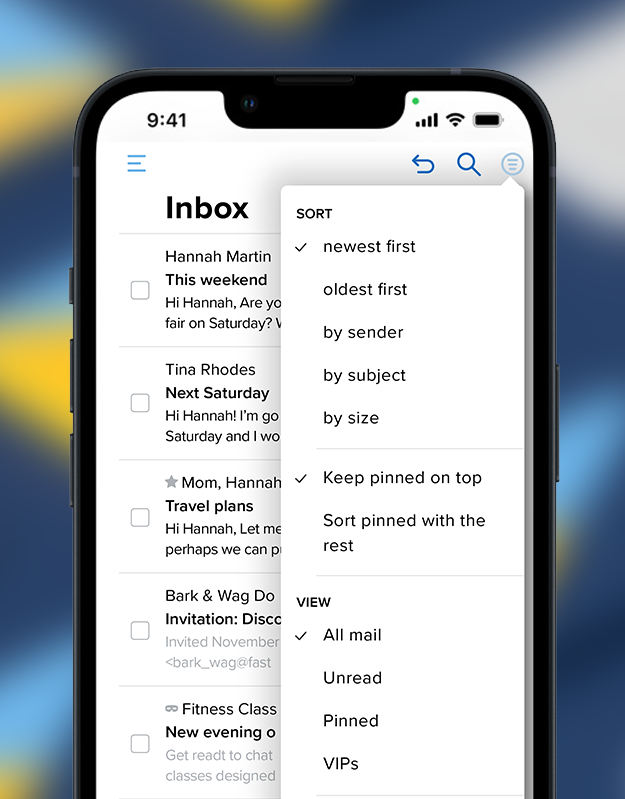
Get things done with our interface that works your way.

Scheduled Send and Snooze
Our features get time back on your side. Schedule mail to send at the best time and free up inbox space by snoozing emails.
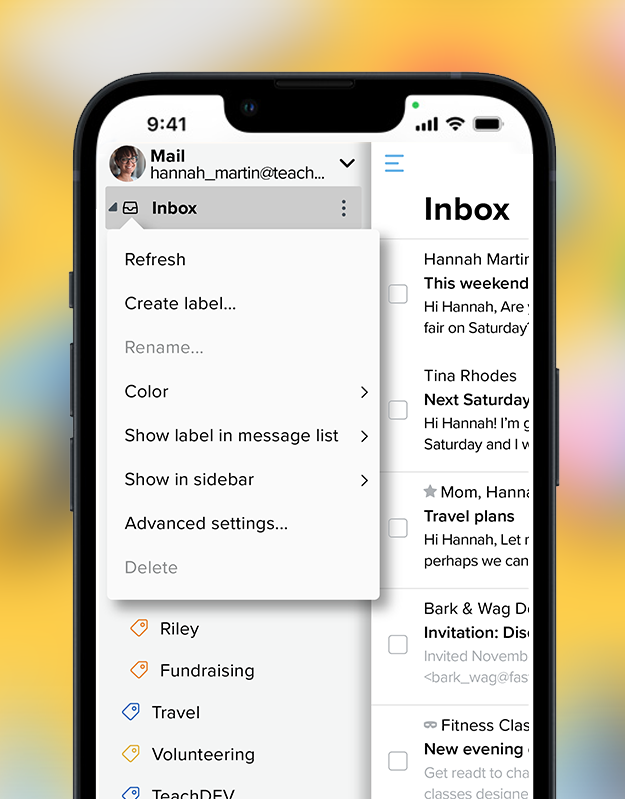
Labels
Quickly find important emails by adding labels. You can import Labels from Gmail.
Undo Send
Everybody makes mistakes. Quickly cancel a sent email if you realize you’d like to revise it or take it back.

Custom Swipes
Stay on top of your inbox. Customize mobile swipes to move mail to Folders.
Use Gmail? Migration offers more than just email. Bring your calendar, contacts, and all of your mail to one place!

Use 1Password?
Change email addresses quickly with the Masked Email generator. You can also connect your current domains for more customized email addresses.